
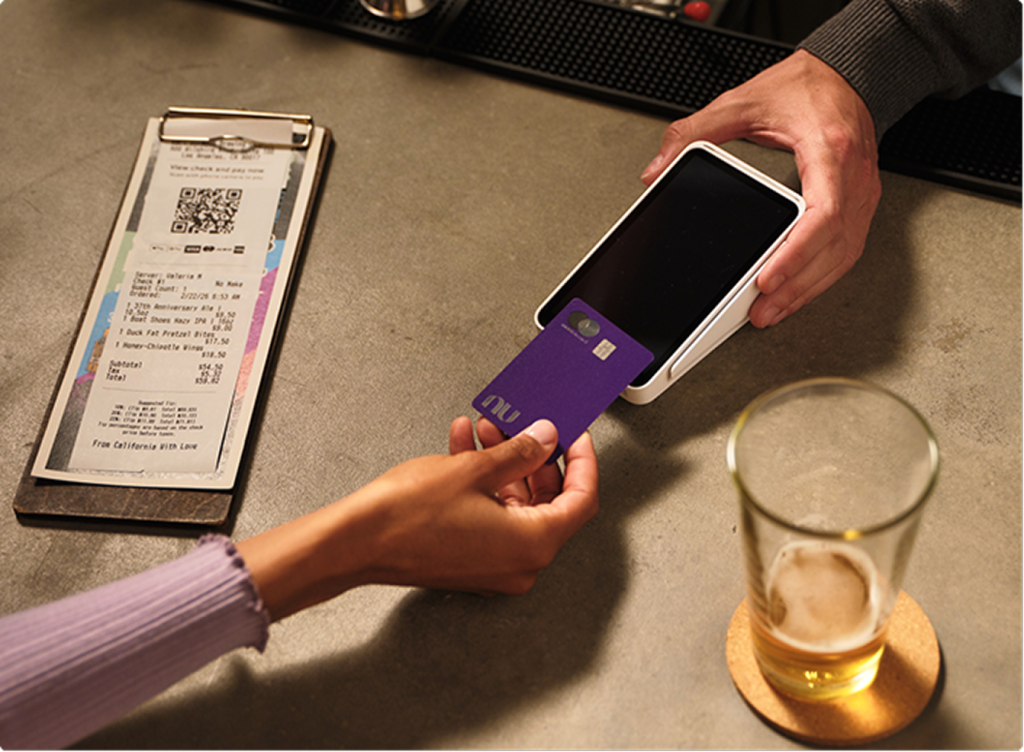
You tap “send” on a payment. In that split second, your account number and the amount travel across the internet. Encryption protects that data by scrambling it into a coded format before it leaves your device. Only the intended recipient holds the key to decode it. Think of it as placing a letter inside a locked box — anyone can carry the box, but only the person with the right key can open it.
This guide walks you through five things worth knowing: what encryption actually does, how the main types work, where you already use it, why it matters for your finances, and how to check that you’re protected.
What encryption actually does
Encryption converts plain information — like a password or account number — into unreadable code. Without the correct key, that code stays meaningless.
Every time you log into a banking app or buy something online, your data moves through networks. Those networks pass through servers and connections you don’t control. Without encryption, anyone with access to those points could read your information in plain text.
With encryption, intercepted data looks like random characters — completely useless to an attacker.
How the two main types work
Two main types of encryption protect your data in different ways.
Symmetric encryption uses a single key. The same key locks and unlocks the data. It’s fast, which makes it ideal for protecting stored files. The most common standard is AES (Advanced Encryption Standard) — used by banks and governments worldwide.
Asymmetric encryption uses two keys: a public key and a private key. The public key locks the data. Only the matching private key can unlock it. This method works well for communication, because you can share your public key openly. RSA (Rivest-Shamir-Adleman) is the most widely used asymmetric standard.
End-to-end encryption combines both approaches. It uses asymmetric encryption to exchange keys securely, then switches to symmetric encryption for speed during the actual conversation. That’s how apps like Signal keep your messages private from start to finish.
Where you encounter encryption every day
You use encryption more than you probably realize.
Your banking app encrypts every transaction. Messaging apps like WhatsApp and Signal use end-to-end encryption by default — meaning not even the app provider can read your messages. The padlock icon next to a website address tells you HTTPS data encryption is active. Your phone encrypts its own storage, so a stolen device doesn’t automatically mean stolen data. Even your Wi-Fi connection uses modern encryption protocols to keep data safe.
Over 95% of web traffic is now encrypted. Encryption is already active across most of the services you use. These habits help you make the most of it.
Why encryption matters for your finances
Financial data is the highest-value target for attackers. Bank credentials and credit card numbers sell for more on black markets than almost any other type of personal information.
Encryption in banking acts as a critical line of defense. Even if someone intercepts your data during a transaction, the encrypted version is useless without the decryption key. Modern bank-grade encryption would take current computers millions of years to crack by brute force.
Banks and financial institutions don’t encrypt by choice alone. Regulations require it. Standards like PCI DSS (Payment Card Industry Data Security Standard) mandate encryption for any system handling card payments. Privacy laws in many countries require financial companies to protect your data both in transit and at rest.
You can learn more about how financial institutions protect your accounts and what to look for in a secure banking experience.
Still, encryption only works when it’s actually in place. That part is worth checking.
What to check to make sure you’re protected
A few simple habits keep encryption working for you.
- Look for the padlock. Before entering any personal information on a website, confirm the HTTPS padlock icon appears in your browser’s address bar.
- Keep your phone updated. Operating system updates often patch encryption vulnerabilities. Install them promptly.
- Use official app stores. Apps downloaded outside official stores may lack proper encryption or contain malicious code.
- Enable two-factor authentication (2FA). This adds a second verification step beyond your password — making stolen credentials far less useful.
- Check your messaging apps. Confirm they display “end-to-end encrypted” in conversation settings.
Encryption runs quietly in the background of almost everything you do online. You don’t need to understand every algorithm behind it. You just need to know it’s there, verify it’s active, and let it do its job. Now you know how to confirm that protection is in place.
Get Insider Access
Nu is coming soon to the US and many other countries. Get exclusive updates and find out when to sign up for Nu here.